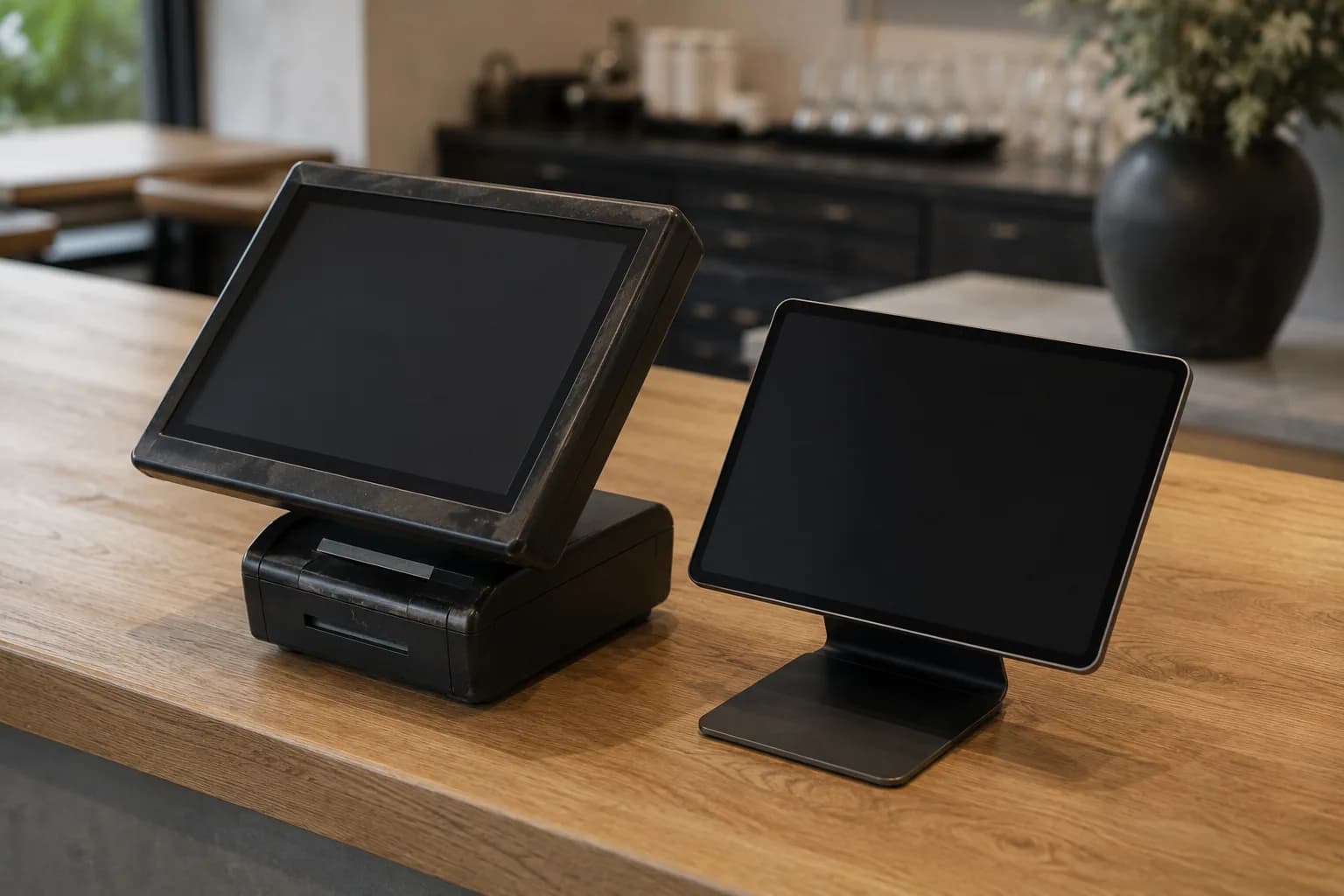
Your till works. Why would you replace it?
Veydex Connect links the system already at your place, and the Hub works on its data. No change of system, no new hardware, no switchover on a Friday night.
First, the question everything hangs on
Does Veydex work with your till?
Name your system. Before you book, you learn which route links it, which data comes across and where the limits are.
Regardless of your till: Reservations · Rota · Phone AI · Documents · Hygiene & HACCP · Payments. They read no till data and work even if the system you run today cannot be linked.
Five routes over which a till gets connected
Which of them works for your system depends on manufacturer, version and contract. That is exactly the question we settle before you book — not after.
One route, depending on the system
- API
- Cloud connection
- Local connection
- Direct integration
- Standardised export
Works once the connection stands
 Guest records
 Analytics
 Helpers
Regardless of your till
 Reservations
 Rota
 Phone AI
The routes in detail
- 01APIYour till provider offers an interface. Veydex uses it to bring your till's data into the Hub.
- 02Cloud connectionYou grant access once in your till provider's account — and can withdraw it there at any time. We will not ask for your till password. If you prefer, you can sign in with your till login in the Hub instead; only the access is stored, not the password.
- 03Local connectionFor tills that only run on site: a connection on the premises that we set up with you once.
- 04Direct integrationTill and Veydex work together directly — no detour, nothing to do day to day.
- 05Standardised exportThe legally required till export (DSFinV-K) — which exists even on systems never built for a connection.
The problem is not the till. It is the six systems beside it.
A business with a working till rarely has a till problem. Every system beside it works on its own, and together they add up to no picture at all.
- Reservation book at one provider
- Rota in a spreadsheet
- Guest data in three heads
- Numbers only from the accountant
- Reservations
- Rota
- Guest records
- Analytics
- Nothing knows about anything elseThe reservation does not know the occupancy, the rota does not know the reservation, and neither knows the staff cost.
- The same detail in four placesWhen a guest changes their number, three of four systems still hold the old one.
- Numbers only in hindsightWhat happened yesterday is in the till — what it means for today, nobody works out.
- Switching costs more than it bringsChanging tills means training, downtime risk and a new fiscal device — so everything stays as it is.
The sequence
The route there is short.
Three steps, and none of them is a change of system.
- 01
Check your till
Tell us which system you run: you get the route, the data and the limits — before you book.
- 02
Connect links it
Over the route your system allows; Veydex walks you through it or takes it on with you. We will not ask for your till password.
Veydex Connect - 03
You book what you need
Only the modules that hold your business up today; Analytics is included in the Hub. Fourteen days to try, except the Phone AI, which starts straight away on a plan.
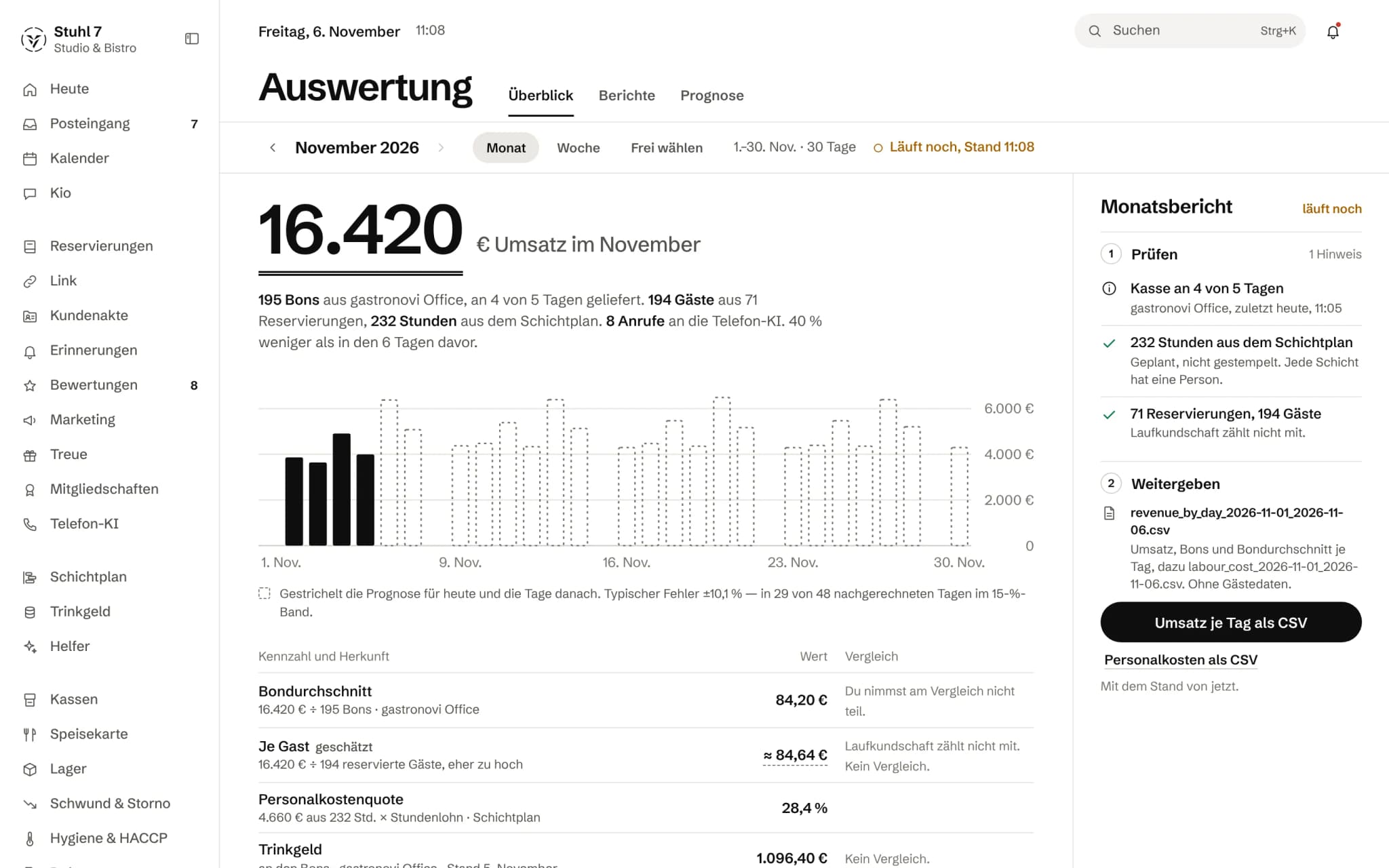
What computes on your till data
Six modules read no till data at all and work even if your system cannot be linked. Which ones work with your till, the check above tells you.
- 19 €/ monthfrom 1 December 2026: 39 €
Reservations
Online bookings, real availability, waitlist and table occupancy in one system.
See Reservations - 15 €/ monthfrom 1 December 2026: 39 €
Rota
Plan shifts, keep an eye on cost, handle swaps and sick notes in the Veydex Shift app.
See Rota - 12 €/ month
Guest records
Profiles, visits, no-shows and notes brought together automatically.
See Guest records - included
Analytics
Reports, forecasts and benchmarks — without a separate analytics subscription.
See Analytics - 39 €/ monthBasic plan with 200 minutes; Standard 89 € with 500, Full 199 € with 1,100 minutes
Phone AI
Even when nobody on your team has a hand free.
See Phone AI - 29 €/ month
Helpers
Veydex watches the operation, spots what stands out and brings decisions to you.
See Helpers
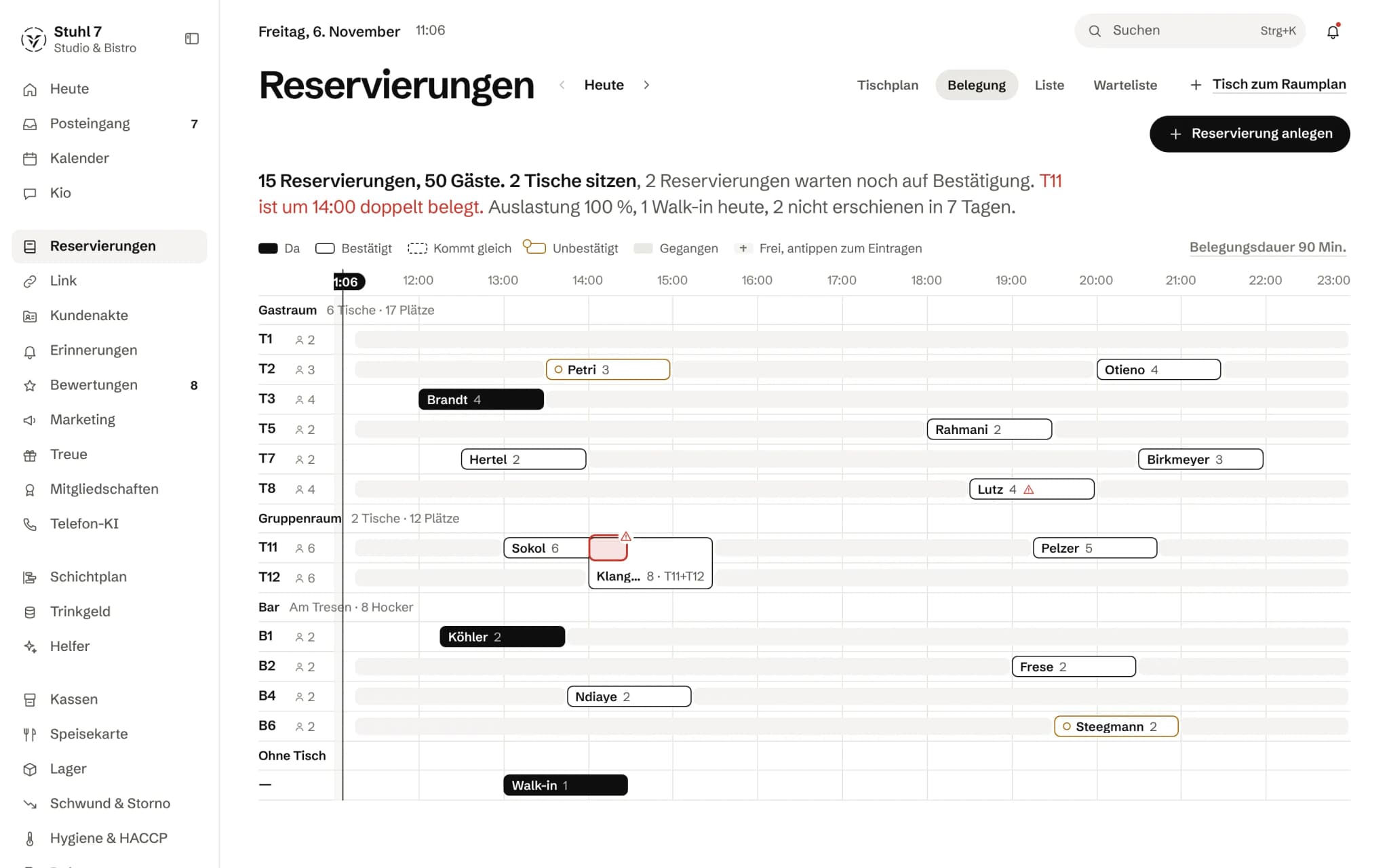
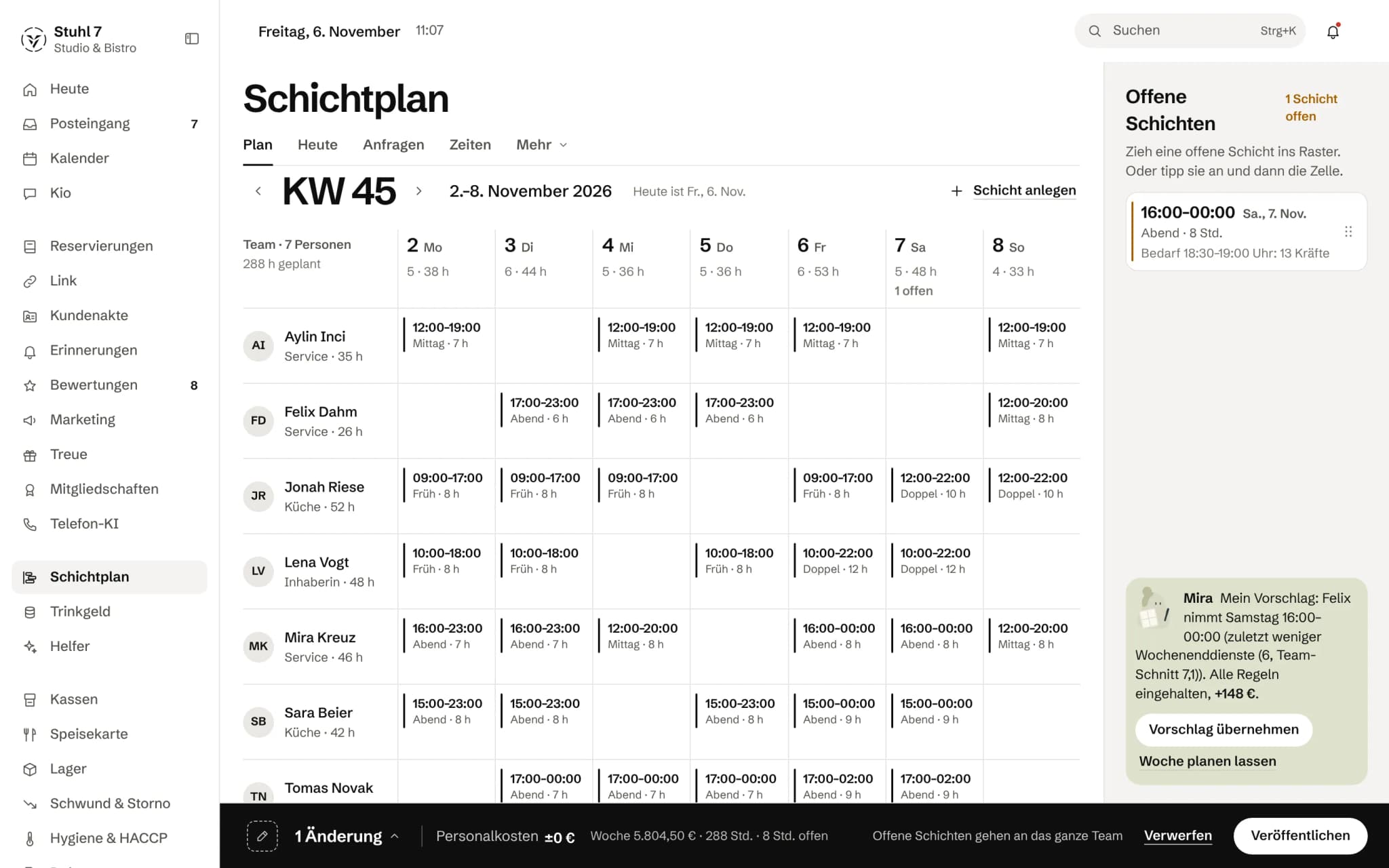
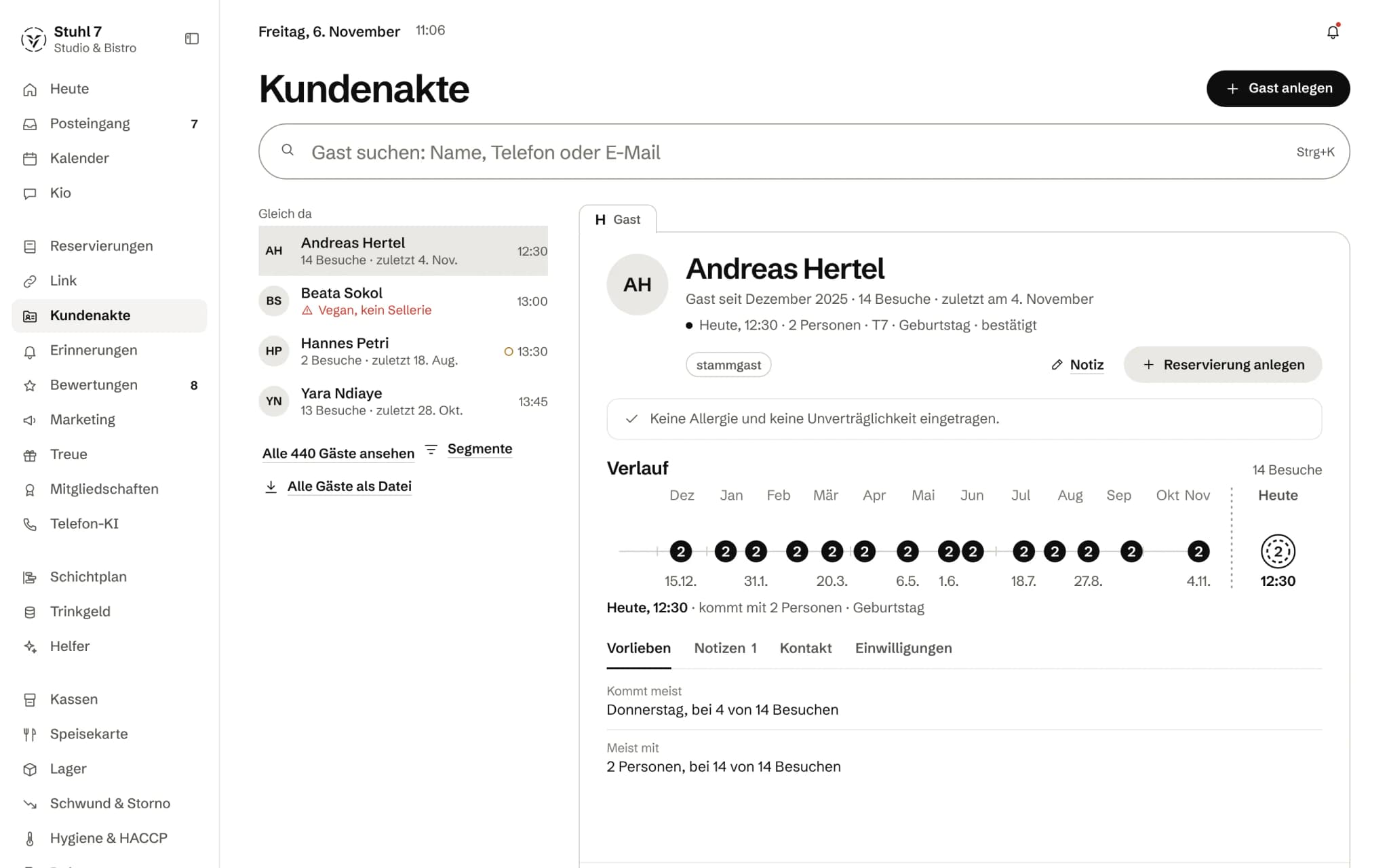
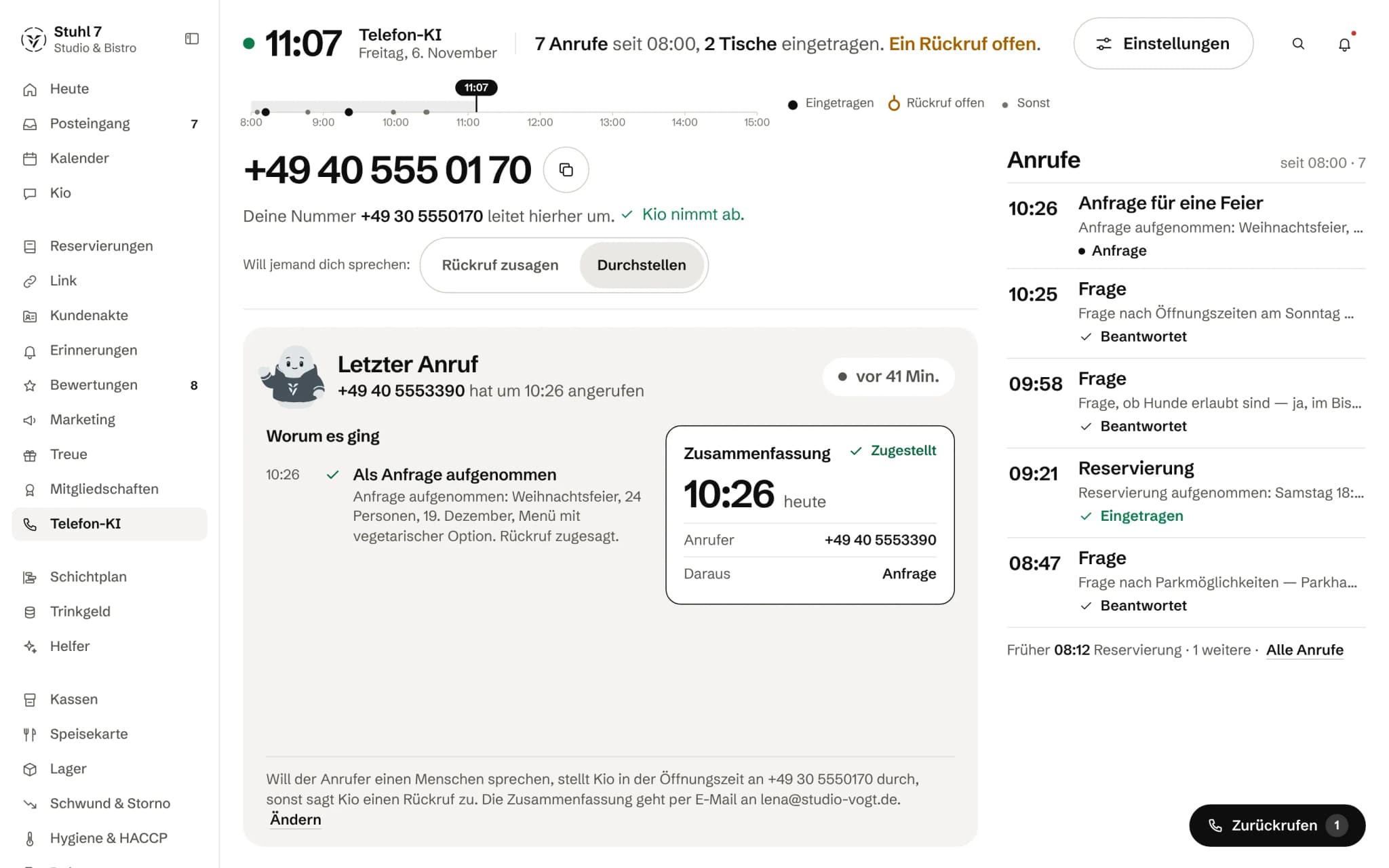
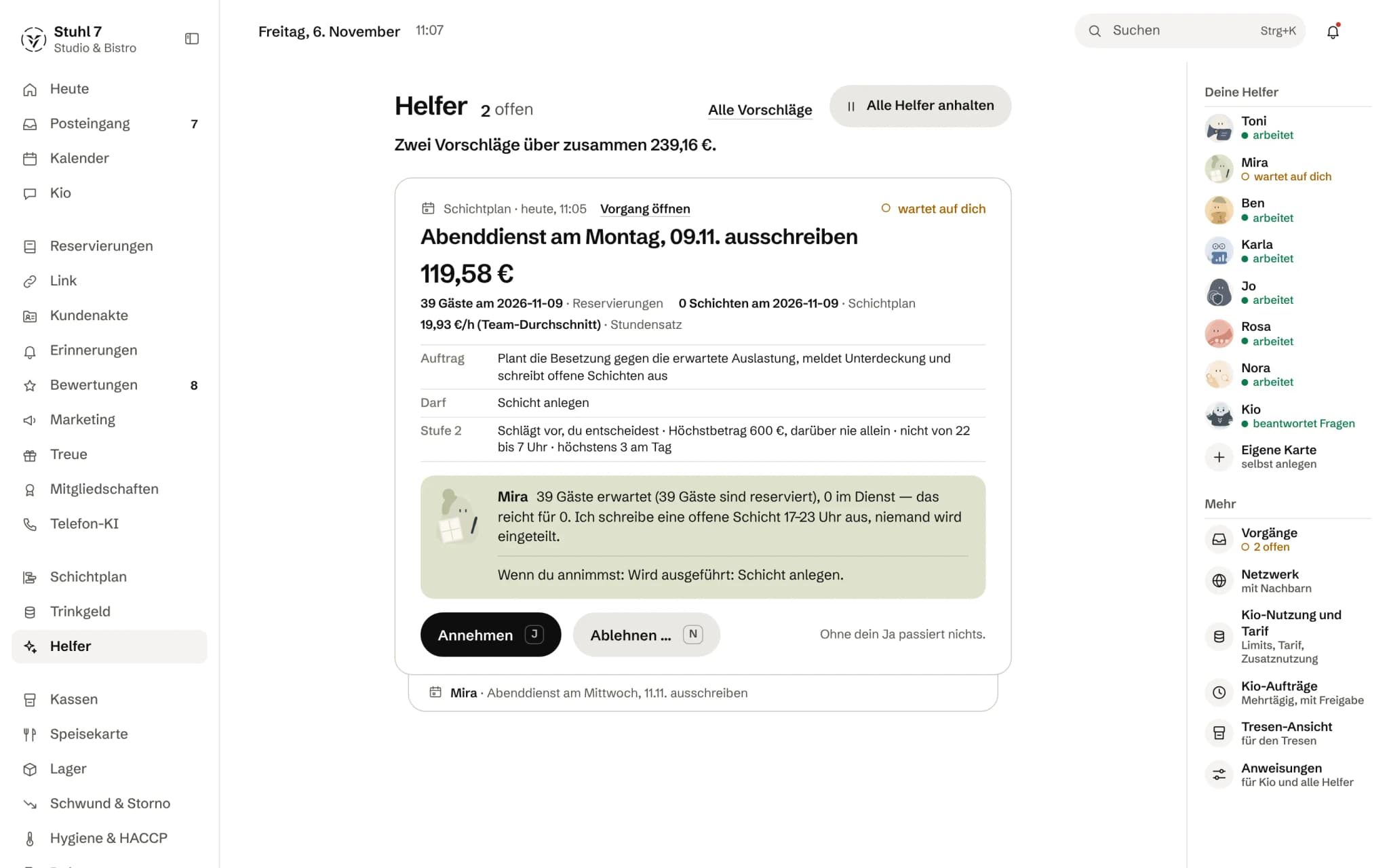
The previews are Hub screens with demo data.
What does not happen
- The recording duty stays where it is.TSE, GoBD and Kassensicherung remain a matter for your till system — Veydex does not take them over.
- Not every till hands everything over.Where void and discount data is missing in full depth, “Shrinkage & voids” is not bookable; that stands in the check result, not in the small print.
- No posting batch from the Hub.Analytics gives reports and a CSV export; the handover to your accountant still comes from the till.
- The Veydex till cannot be ordered.It is in development; anyone starting today links the till they have — that is not an interim step, that is the route.
Most asked about this
Do I need a new till?
No, and today it would not even be possible. Veydex Connect links the till already at your place and makes its data usable for the modules you have booked — no change of system. Our own Veydex till is in development and cannot be ordered yet, so the open route runs over yours.
What does Veydex cost?
You pay per module, not for a bundle. The bookable modules run from 9 to 29 euros net a month, the Phone AI from 39 euros depending on the minutes plan, Analytics, Veydex Link and occasional questions to Kio cost nothing, and Payments bills at 0.9 per cent per transaction. Only what you have booked is charged — the pricing page adds your selection up for you. For new bookings from 1 December 2026, modules run from 9 to 39 euros; book before then and you keep your price.
How long does the contract run?
For an indefinite period. Either side may terminate with fourteen days' notice to the end of a billing month, unless agreed otherwise. Individual modules can be cancelled separately; when the last one is cancelled, the contract ends altogether. The full provision is in the terms and conditions.
Does Veydex produce a DATEV posting batch?
Not today. Analytics gives you reports and a CSV export, and that is a sheet of numbers, not a bookkeeping file. If your accountant needs a handover, it currently comes from the till and not from the Hub. This is here because the question comes up in every other conversation.

Show us your till. We will show you what comes across.
Two fields, one answer: which route your system is linked over, which data arrives and which modules can compute on it.
The other starting points
All solutions New businessTill, team and routines belong together before the first day of trade.Plan my opening
 Several sitesDifferent systems on one common level.See several locations




- Analytics included
- 14 days to try it, with no automatic renewal