Opening
Before you open, till, team and routines belong at one table.
Anyone who starts sorting systems after the first day of trade sorts them while trading. This page describes what can be set up beforehand — with what Veydex has today, and without inventing an opening package.
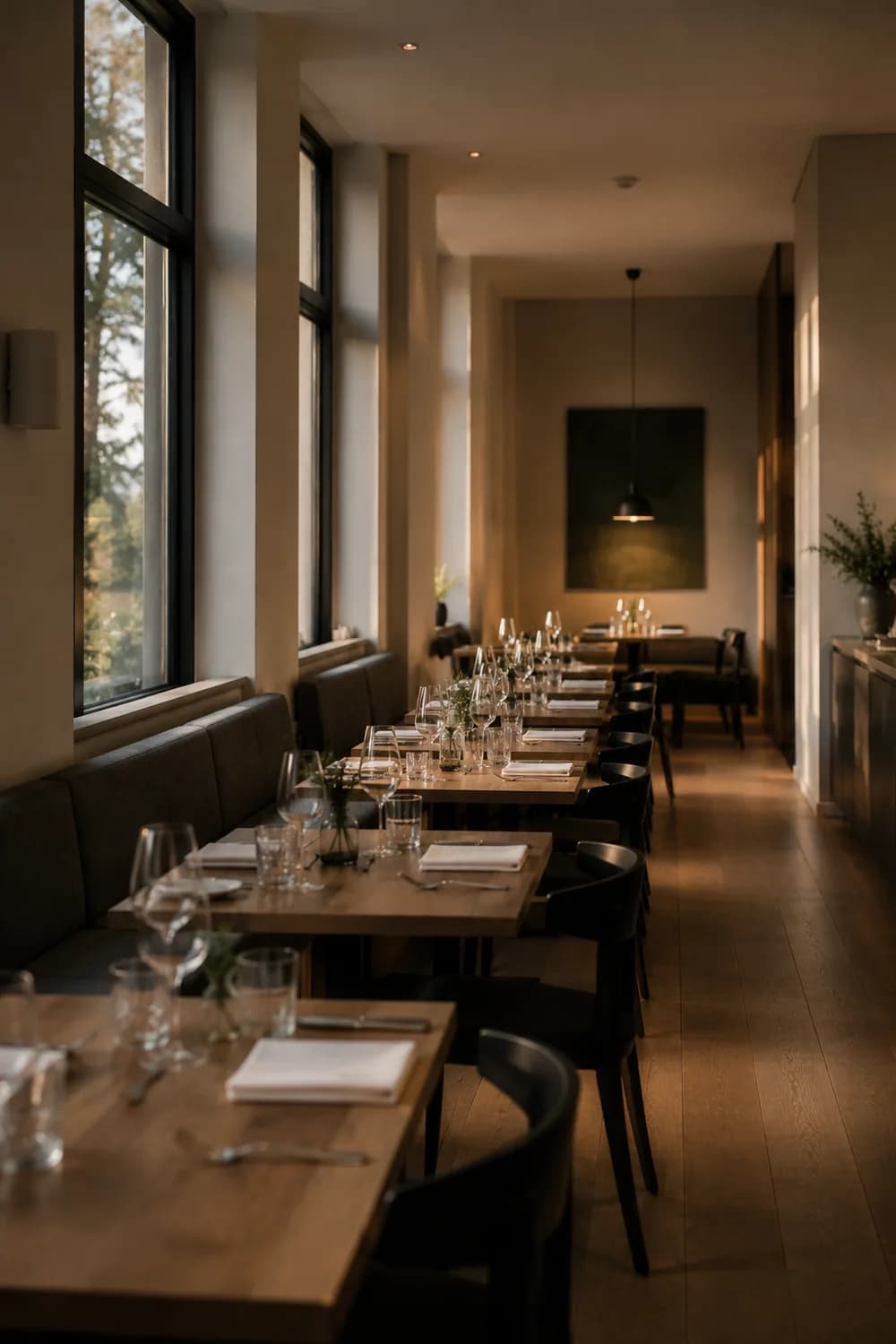
At an opening, the order decides.
The till is usually settled first because it takes longest. Everything else comes after — and lands in whichever system is at hand. Four weeks later, reservations belong to one provider, the team to a spreadsheet and the menu to a PDF.
The till is the long road
Selection, fiscalisation, hardware, training. What hangs off it should not come after, but alongside.
The team arrives before the first guest
Onboarding, shifts, records, briefings — that starts weeks before opening.
Reservations start before you open
The first enquiries come as soon as anyone knows about the opening. They need somewhere to land.
Documents get collected once
Licence, contracts, records, deadlines. After that nobody gathers them again.
The sequence
A build in the order that holds
Every step hangs off a module that exists today. Where something happens outside Veydex, it says so.
- 01
Create the business
One workspace per business: time zone, trade, terminology. The Hub adapts its language to five trades.
- 02
Set the opening date
From here everything counts backwards. Deadlines and dates live in the documents.
Documents - 03
Settle the till system
The Veydex till is in development and cannot be ordered. For an opening that means: choose an existing system — and check at the same time how it can be linked.
- 04
Prepare Connect
The connection route is settled before opening, not after. Then the numbers run in the Hub from day one.
Veydex Connect - 05
Set up the team
Invite staff, assign roles, build the first weekly plan. Owner, admin and staff take effect immediately.
Shift plan - 06
Open reservations
Opening hours, capacity, table plan and a public booking page — before the first enquiry arrives.
Reservations - 07
Build the menu
Articles, variants, prices, taxes, allergens and additives in one place. A guest view of the menu is not part of it today.
Menu & articles - 08
File the documents
Licence, contracts, records and their deadlines. Veydex checks the dates automatically.
Documents - 09
Set up HACCP
Control points, target ranges and the today view. Documented from the first day of trade, not filled in later.
Hygiene & HACCP - 10
Open
From the first sale Analytics computes along — and the comparison of the first weeks is there from day one instead of month three.
Analytics
What a new business needs first
Not all eighteen at once. These six most often stand at the beginning of an opening — the rest can follow.
What Veydex does not do at an opening
- We do not supply a till. The Veydex till is in development and runs in test operation with selected businesses; there is no date for general sale. For your opening you choose an existing system.
- We do not take on fiscalisation. TSE, GoBD and Kassensicherung sit with the till system you decide on.
- There is no opening package to book. What stands on this page is existing modules in a sensible order — and a conversation in which we line them up with your dates.
- Time tracking, sickness and holiday are not part of the shift plan. It plans shifts; actual time worked is not recorded.
Most asked about this
- What hardware do I need?
- Ordinary iPads. The till sits in the venue as a device and computes there; you operate it from iPads — no special hardware sold by one supplier only, which you write off when you move. What peripherals you add depends on the venue: receipt printer, card terminal, cash drawer.
- Does the till work without internet?
- That is decided by the security module, not by the till. A local TSE sits in the device or on the network and signs without any connection. A cloud TSE signs on the provider's server — no line, no signature. So do not ask whether you can take payment, but whether it gets signed.
- What is a TSE?
- The technical security module is a certified component that signs every recordable till transaction — at the start and at the close of the transaction, not later. Its signatures must be retained and be machine-readable in a tax audit, regardless of whether the till that produced them still exists.
- Can I carry over the data from my old till?
- Usually yes, but it needs lead time. Till data, the article master, customer records and outstanding vouchers should be requested from your old provider about four weeks before the switch, in writing and with a deadline. Then spot-check the export: one nobody has opened is not a backup.
Tell us when you open.
We will go through what has to stand by then — till, team, reservations, menu, documents — and in what order.
- Analytics included
- 14 days to try it, with no automatic renewal